How to add the Resend integration to your Anything project
Anything is a platform for building web sites, tools, apps, and projects via chat. With their Resend integration, you can send emails from your Anything project.
If you prefer to watch a video, check out our video walkthrough below.
Call the Resend integration in Anything
Type
/Resendin the chat and select the integration, and ask Anything to add email functionality to your project.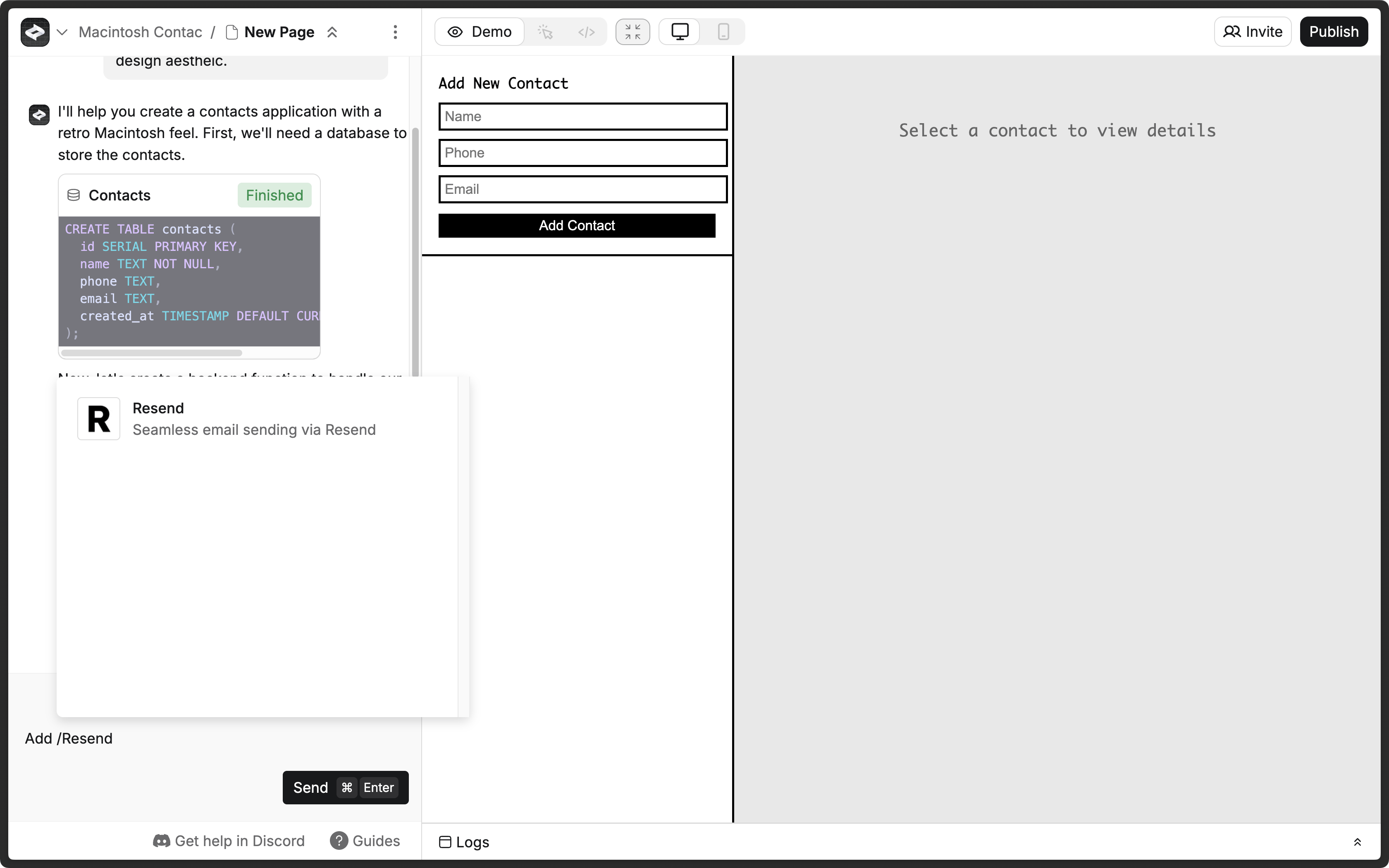
Add your Resend API key
Anything usually prompts you for a Resend API key, which you can add in the Resend Dashboard. If Anything doesn't prompt you for a Resend API key, click the More options button and select Secrets.
Click the Add new secret button.
- Name:
RESEND_API_KEY - Value: Your Resend API key (e.g.,
re_xxxxxxxxx0)
Learn more about Secrets in Create.
- Name:
Add a custom domain to your Resend account
By default, you can only send emails to your own email address.
To send emails to other email addresses:
- Add a custom domain to your Resend account.
- Add the custom domain to the
fromfield in theresendfunction in Create.
Learn more about Functions in Create.