Send emails with Bolt.new and Resend
Bolt.new is a platform for building full-stack web and mobile apps via chat. You can add Resend in a Bolt.new project by asking the chat to add email sending with Resend.
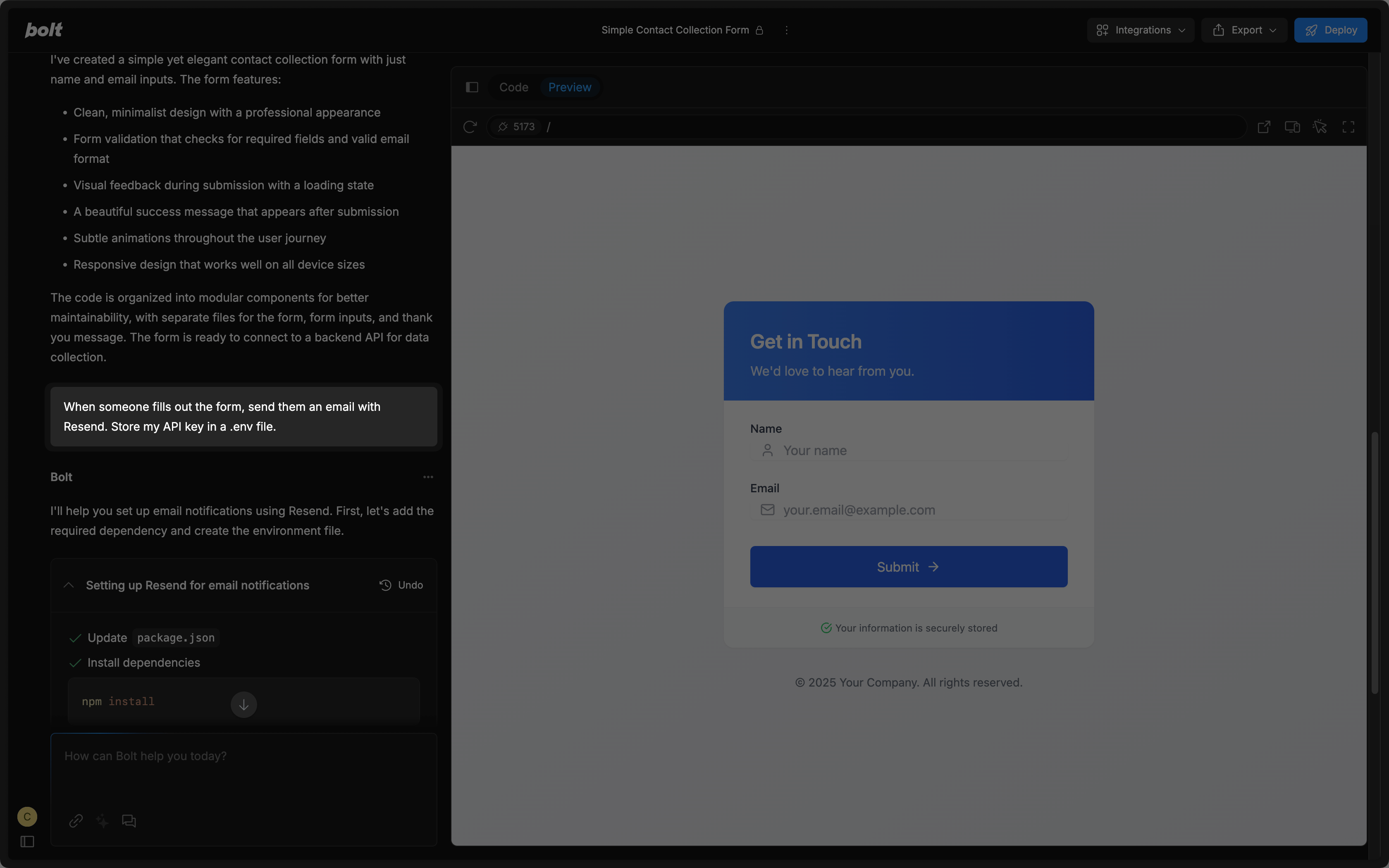
Add your Resend API key
To use Resend with Bolt.new, you'll need to add a Resend API key, which you can create in the Resend Dashboard. Do not share your API key with others or expose it in the browser or other client-side code.
Add a custom domain to your Resend account
By default, you can only send emails to your own email address.
To send emails to other email addresses:
- Add a custom domain to your Resend account.
- Add the custom domain to the
fromfield in theresendfunction in Bolt.new (or ask the chat to update these fields).
Get more help adding a custom domain in Resend's documentation.