Send emails with Devin and Resend
Devin is an autonomous AI software engineer that can connect to external services through MCP (Model Context Protocol) servers. Adding Resend's MCP server gives Devin native access to send emails, manage contacts and broadcasts, verify domains, and more.
For the full list of capabilities, see the MCP Server overview.
Prerequisites
Section titled “Prerequisites”Before you start, make sure you have:
- A Devin account with access to the Settings menu
- A Resend API key
- A verified domain
Open Devin Settings
In Devin, open the Settings menu from your account dropdown.
Go to Connections > MCP Servers
In the Settings sidebar, click Connections, then select the MCP Servers tab. Click Add a custom MCP.
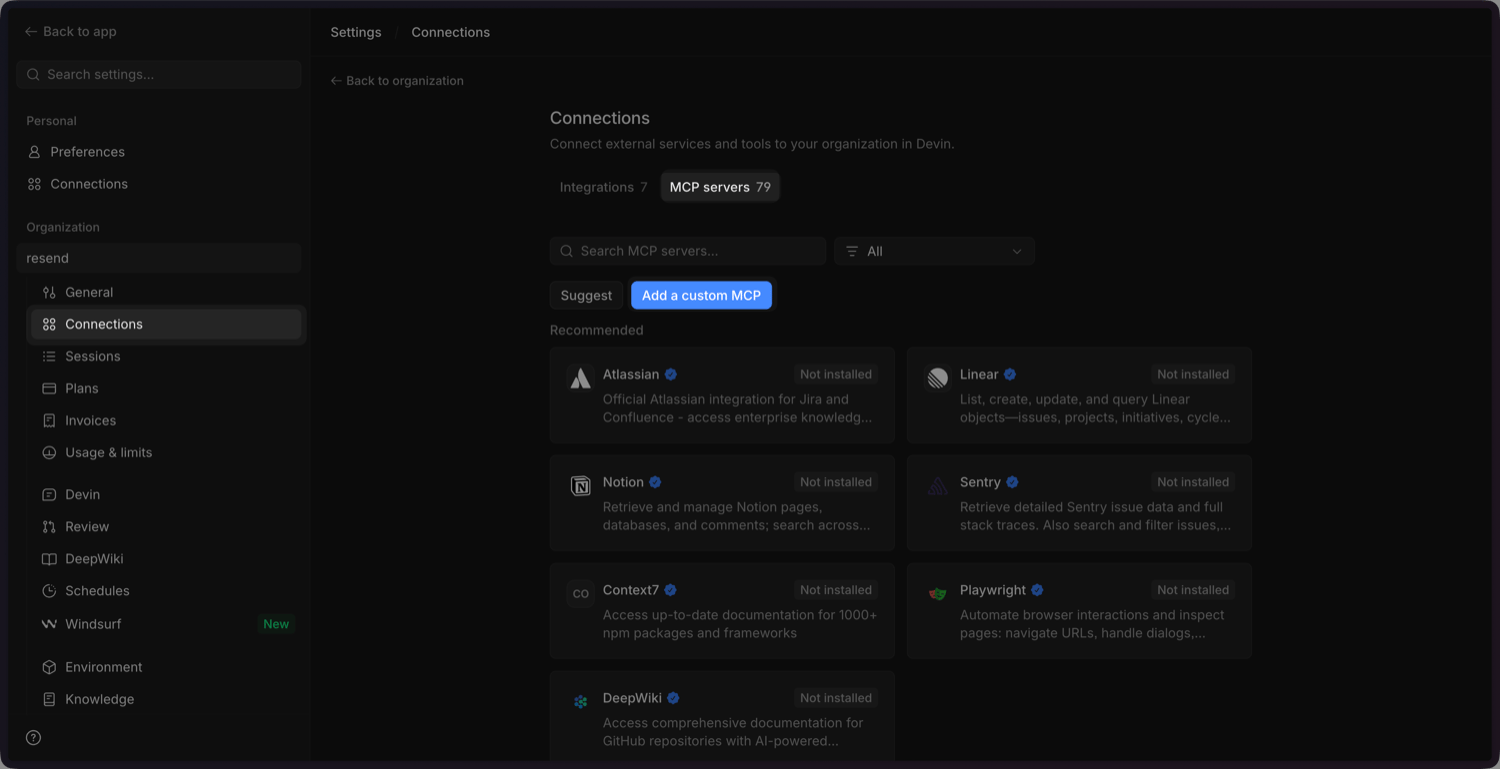
Add the Resend MCP configuration
Click Import JSON and paste the following configuration into the modal.
JSON { "mcpServers": { "resend": { "command": "npx", "args": ["-y", "resend-mcp"], "env": { "RESEND_API_KEY": "re_xxxxxxxxx", "SENDER_EMAIL_ADDRESS": "onboarding@resend.dev" } } } }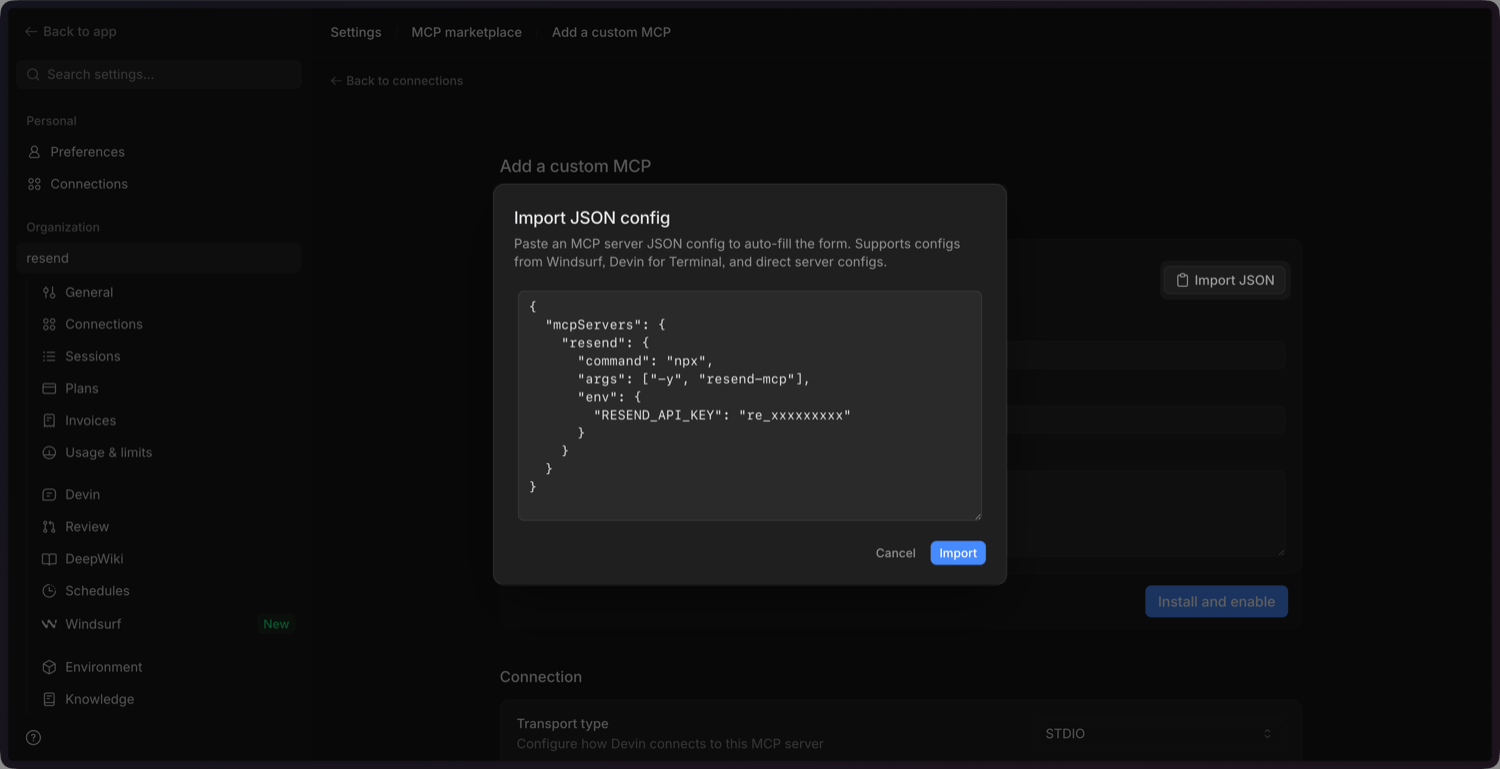
Update the Environment Variables
Scroll down and update the environment variables:
RESEND_API_KEY: delete this and add it as a secret (see the next step).SENDER_EMAIL_ADDRESS: update this with your sender email address you've verified in the Resend Dashboard.
Add the Resend API key as a secret
Add the
RESEND_API_KEYas a secret. Click Save secret to confirm.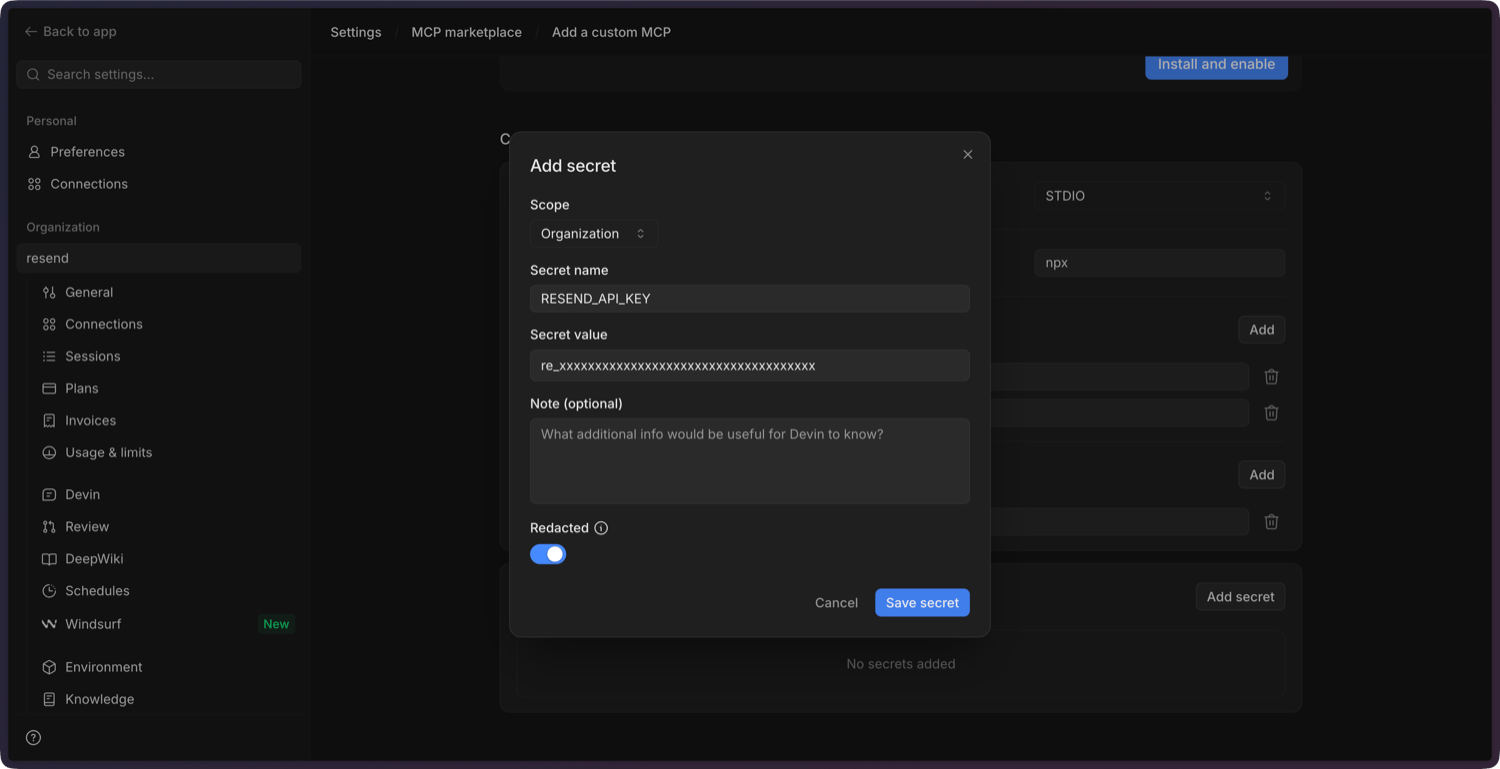
Confirm and enable the MCP server
Add a description, click Install and Enable, and confirm in the dialog. Devin will install the server and mark it as connected.
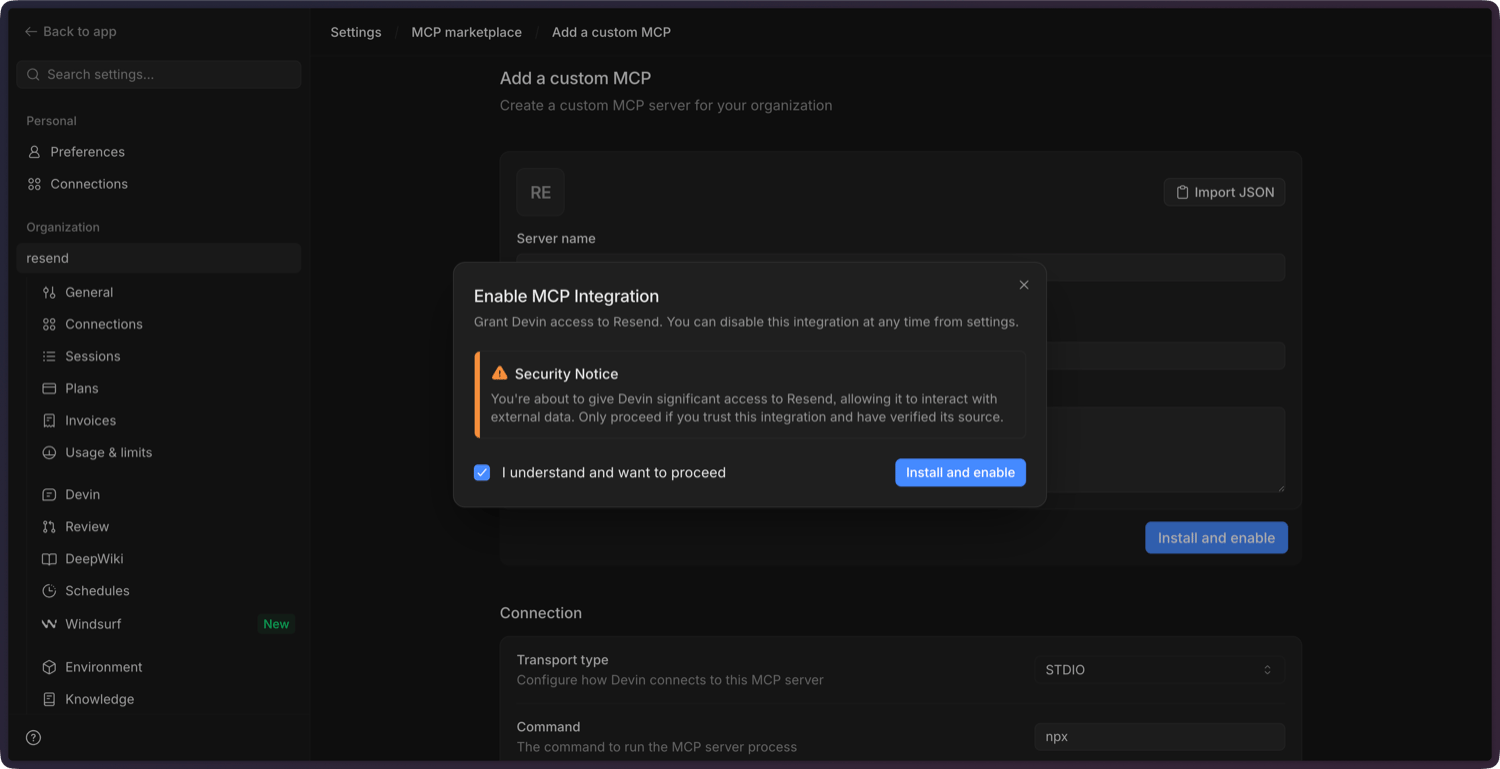
Test the connection
Ask Devin to send a test email. For example:
text Send a test email to delivered@resend.dev using the Resend MCP server. Subject: "Hello from Devin".Devin will call the Resend MCP server and confirm the send.