Send emails with Leap and Resend
Leap is a platform for building full-stack web and mobile apps via chat.
Ask Leap to add Resend
You can add Resend in a Leap project by asking the chat to add email sending with Resend.
Example prompt
When someone fills out the contact form, send an email using Resend.Add your Resend API key
To use Resend with Leap, you'll need to add a Resend API key, which you can create in the Resend Dashboard. Do not share your API key with others or expose it in the browser or other client-side code.
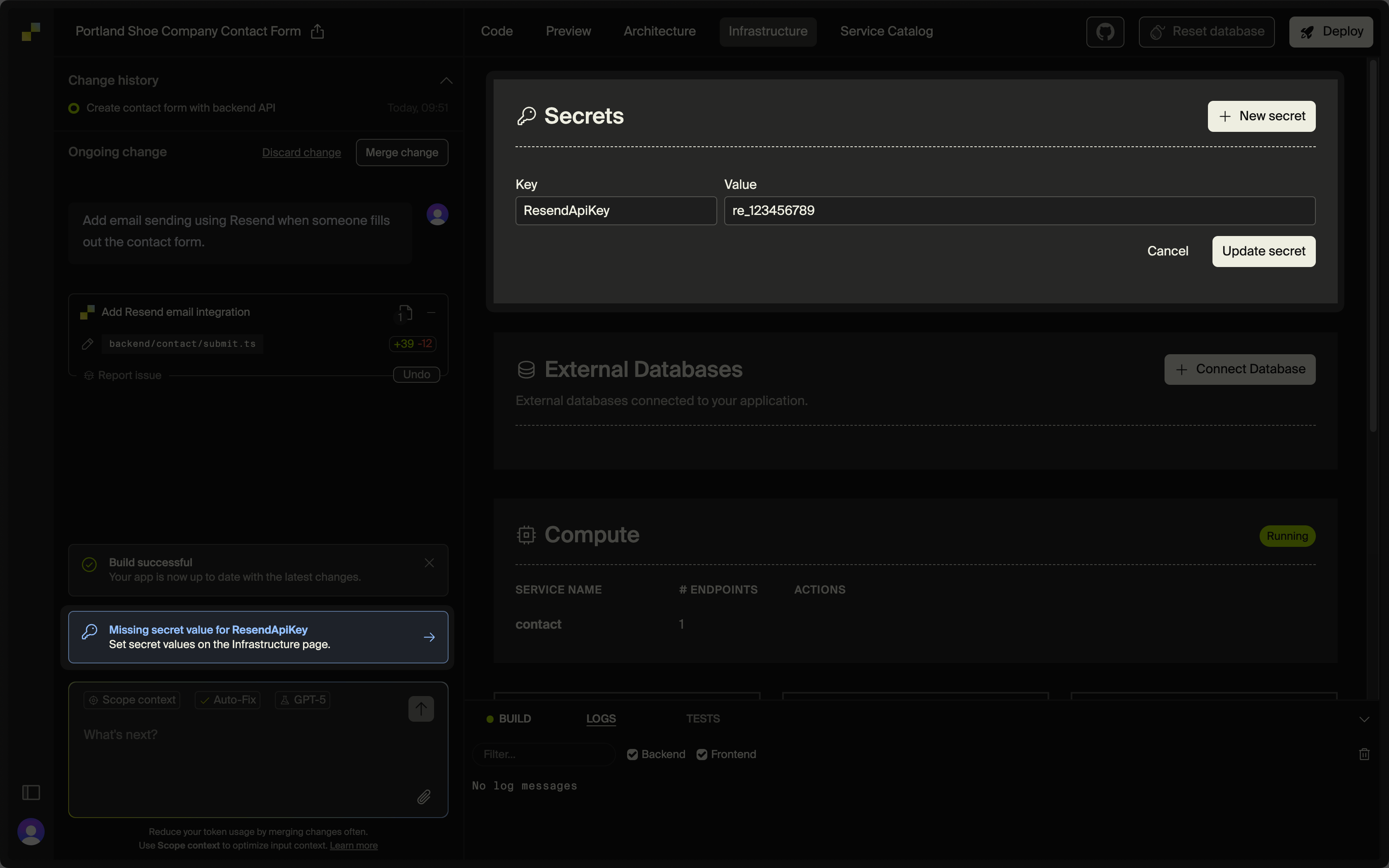
Leap will prompt you to set a secret value on the Infrastructure page. Paste your key value and click Update secret.
Add a custom domain to your Resend account
By default, you can only send emails to your own email address.
To send emails to other email addresses:
- Add a custom domain to your Resend account.
- Add the custom domain to the
fromfield in theresendfunction in Leap (or ask the chat to update these fields).
Get more help adding a custom domain in Resend's documentation.