Send emails with Deno Deploy
Prerequisites
Section titled “Prerequisites”Before you start, you'll need:
- A Resend API key
- A verified domain
Create a Deno Deploy project
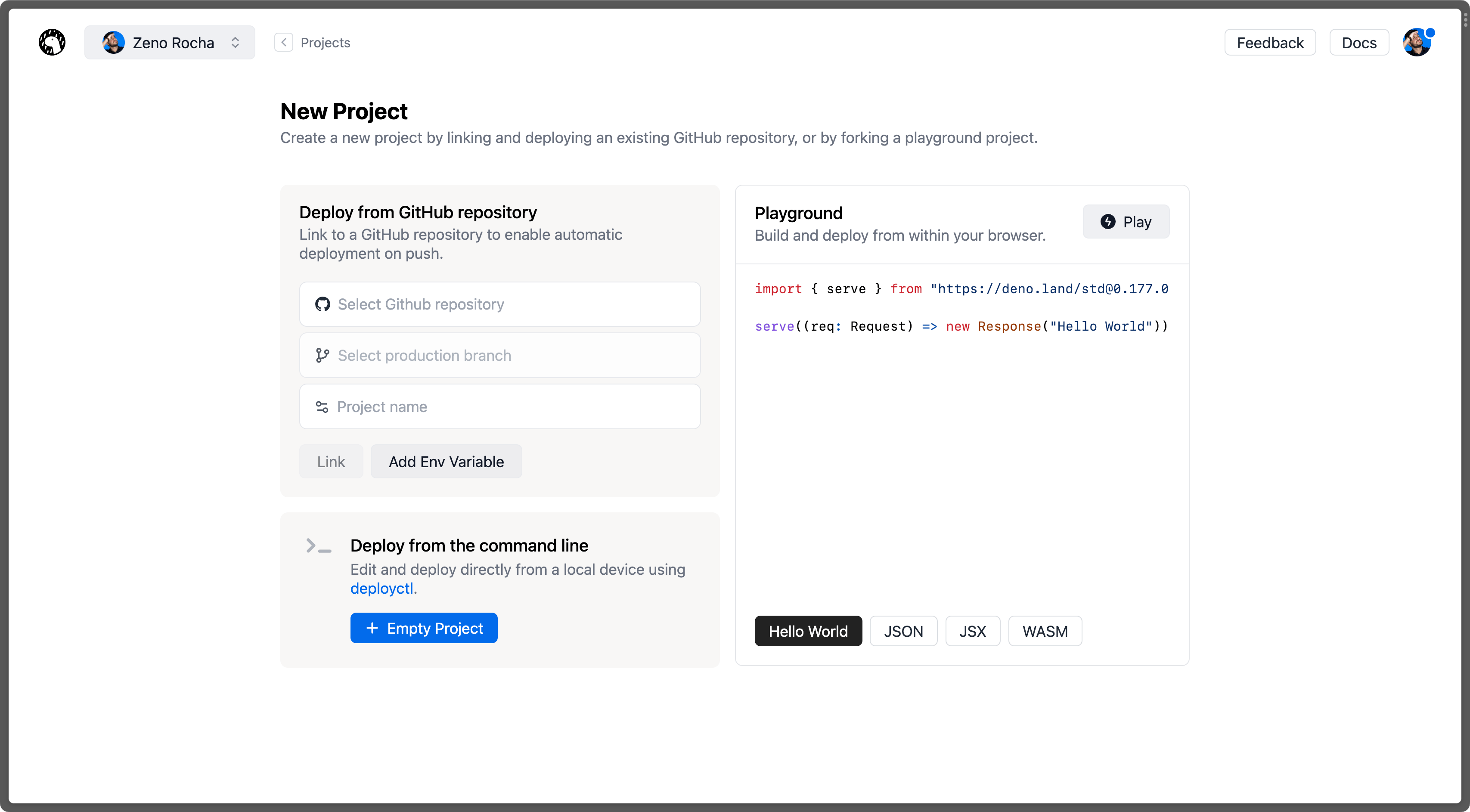
Go to dash.deno.com/projects and create a new playground project.
Edit the handler function
Paste the following code into the browser editor:
main.ts import { Resend } from 'npm:resend'; const resend = new Resend('re_123456789'); Deno.serve(async () => { try { const response = await resend.emails.send({ from: 'Acme <onboarding@resend.dev>', to: ['delivered@resend.dev'], subject: 'Hello World', html: '<strong>It works!</strong>', }); return new Response(JSON.stringify(response), { status: response.error ? 500 : 200, headers: { 'Content-Type': 'application/json', }, }); } catch (error) { console.error(error); return new Response(null, { status: 500, }); } });Deploy and send email
Click on
Save & Deployat the top of the screen.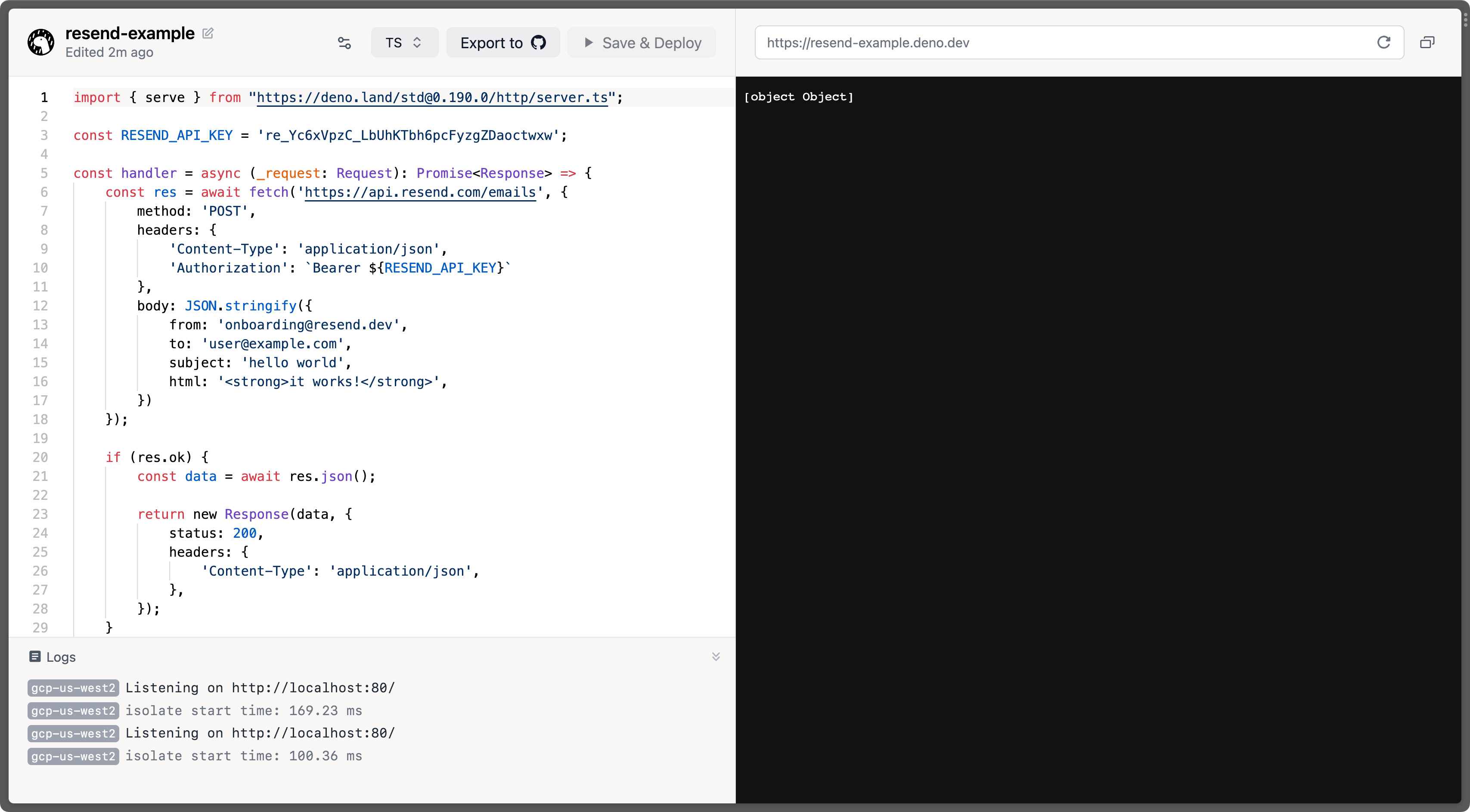
Examples
Section titled “Examples”Deno Deploy Example
See the full source code.