Send emails with Supabase Edge Functions
Prerequisites
Section titled “Prerequisites”Before you start, you'll need:
- A Resend API key
- A verified domain
Make sure you have the latest version of the Supabase CLI installed.
Create Supabase function
Create a new function locally:
Bash supabase functions new resendEdit the handler function
Paste the following code into the
index.tsfile:index.ts const RESEND_API_KEY = Deno.env.get('RESEND_API_KEY'); const handler = async (_request: Request): Promise<Response> => { const res = await fetch('https://api.resend.com/emails', { method: 'POST', headers: { 'Content-Type': 'application/json', 'Authorization': `Bearer ${RESEND_API_KEY}`, }, body: JSON.stringify({ from: 'Acme <onboarding@resend.dev>', to: ['delivered@resend.dev'], subject: 'hello world', html: '<strong>it works!</strong>', }), }); const data = await res.json(); return new Response(JSON.stringify(data), { status: 200, headers: { 'Content-Type': 'application/json', }, }); }; Deno.serve(handler);Deploy and send email
Run function locally:
Bash supabase functions start supabase functions serve resend --no-verify-jwtDeploy function to Supabase:
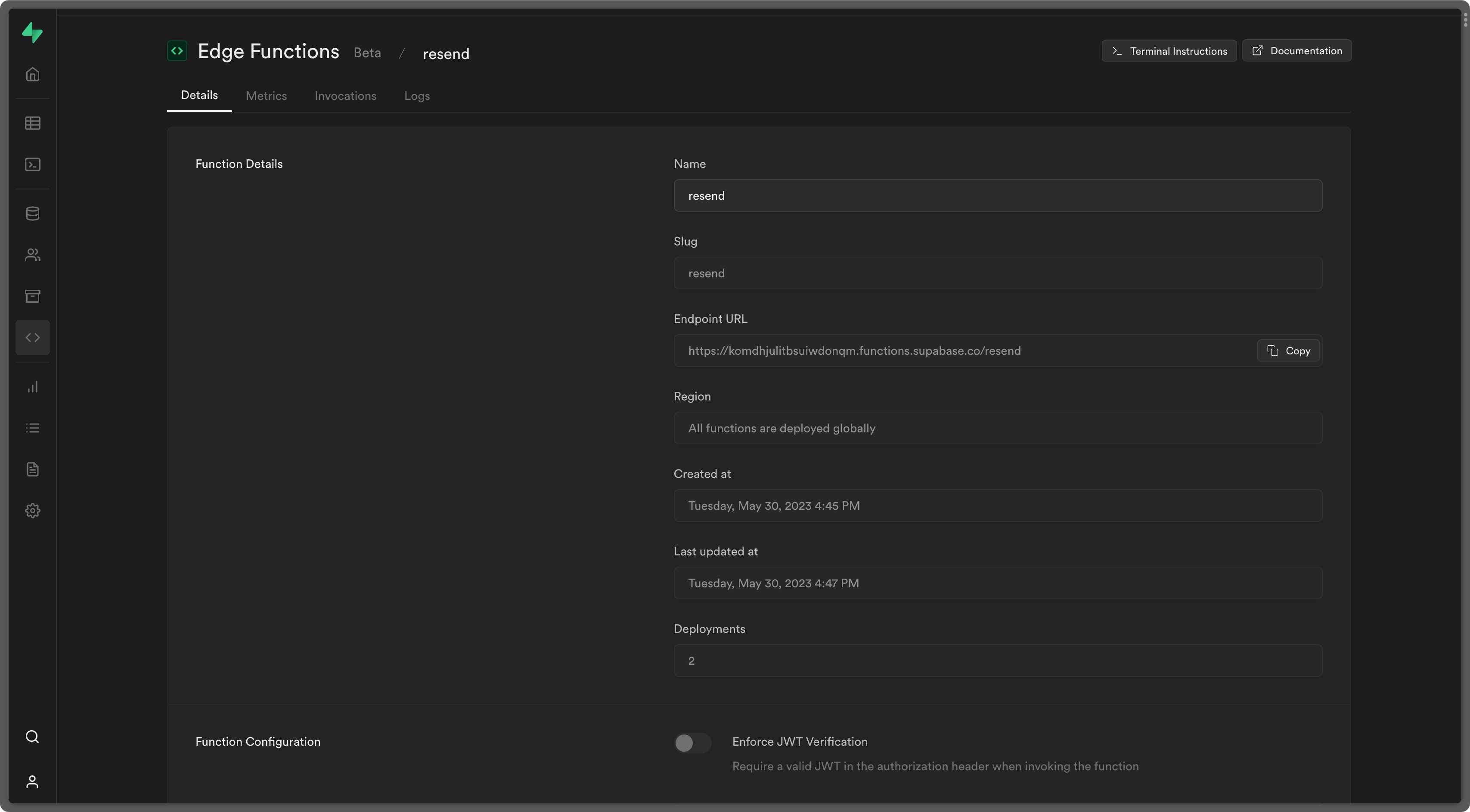
Bash supabase functions deploy resendOpen the endpoint URL to send an email:
Examples
Section titled “Examples”Supabase Edge Functions Example
See the full source code.