Send emails with Railway
Railway enables you to focus on building product instead of managing infrastructure, automatically scaling to support your needs as you grow.
Prerequisites
Section titled “Prerequisites”Before you start, you'll need:
- A Resend API key
- A verified domain
Install
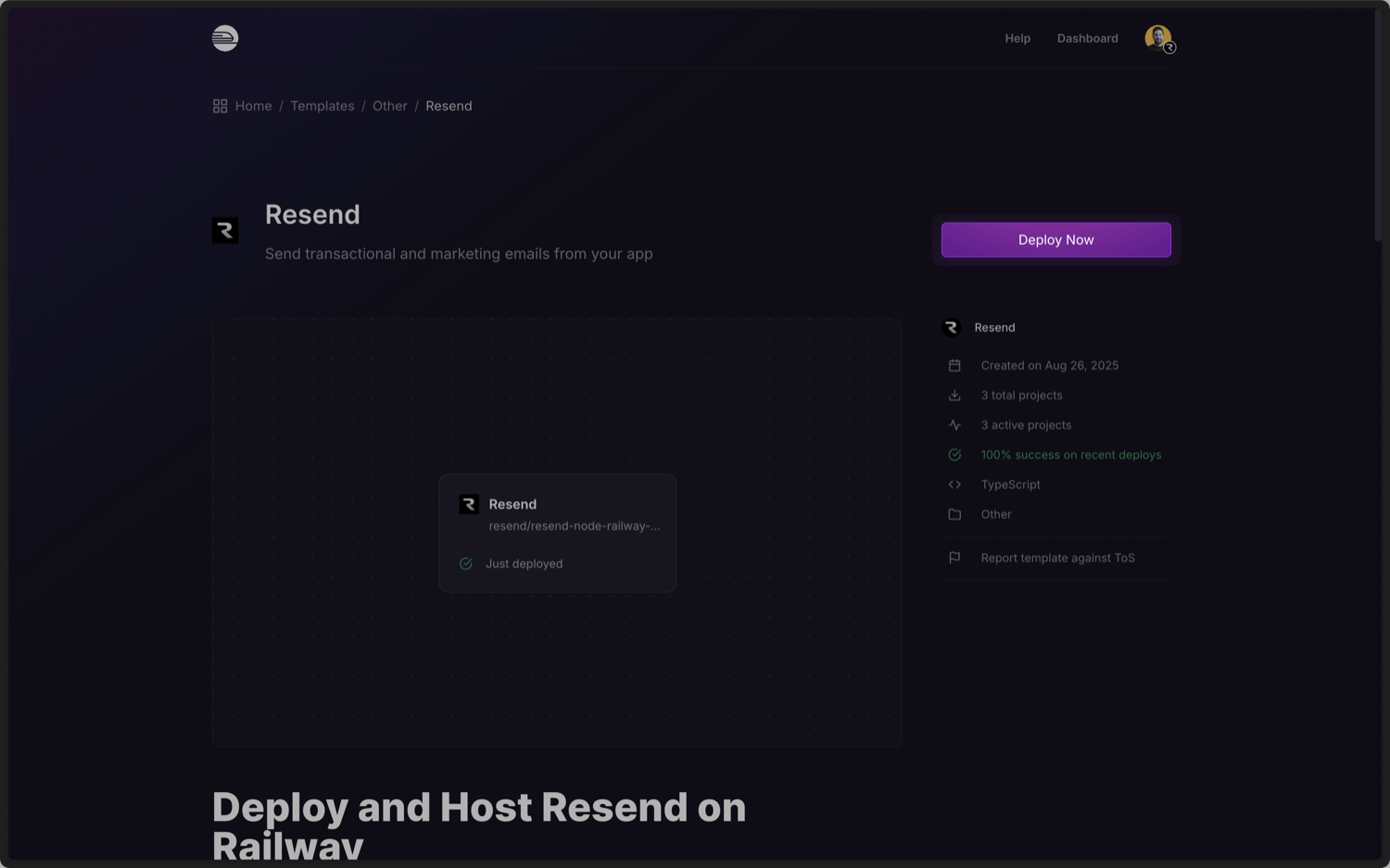
We've created a Resend template using the Resend Node.js SDK as an introduction to using Resend on Railway.
To get started, you deploy the template to Railway.

Add your API key
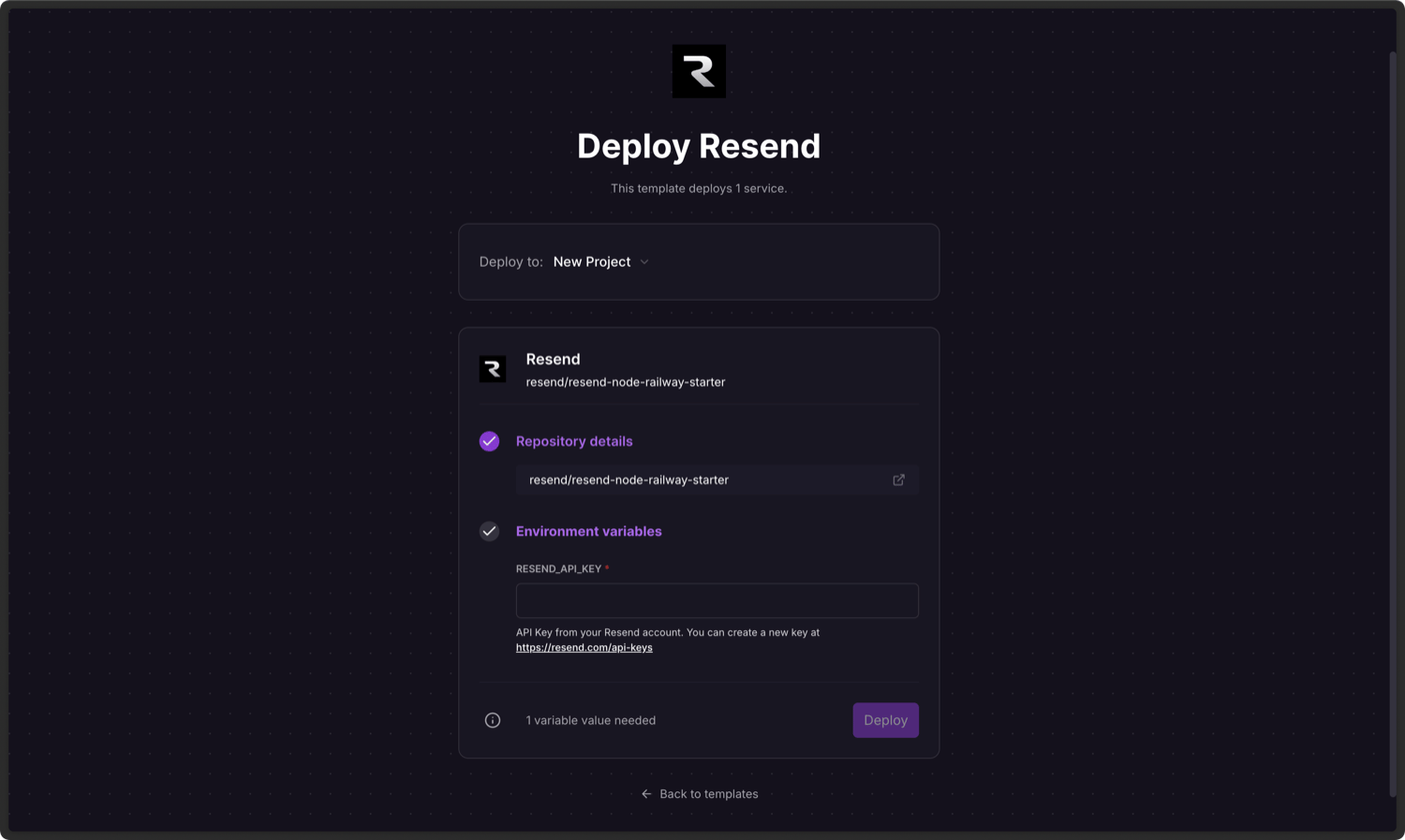
Add an API key from Resend and click Deploy.
Send your first email
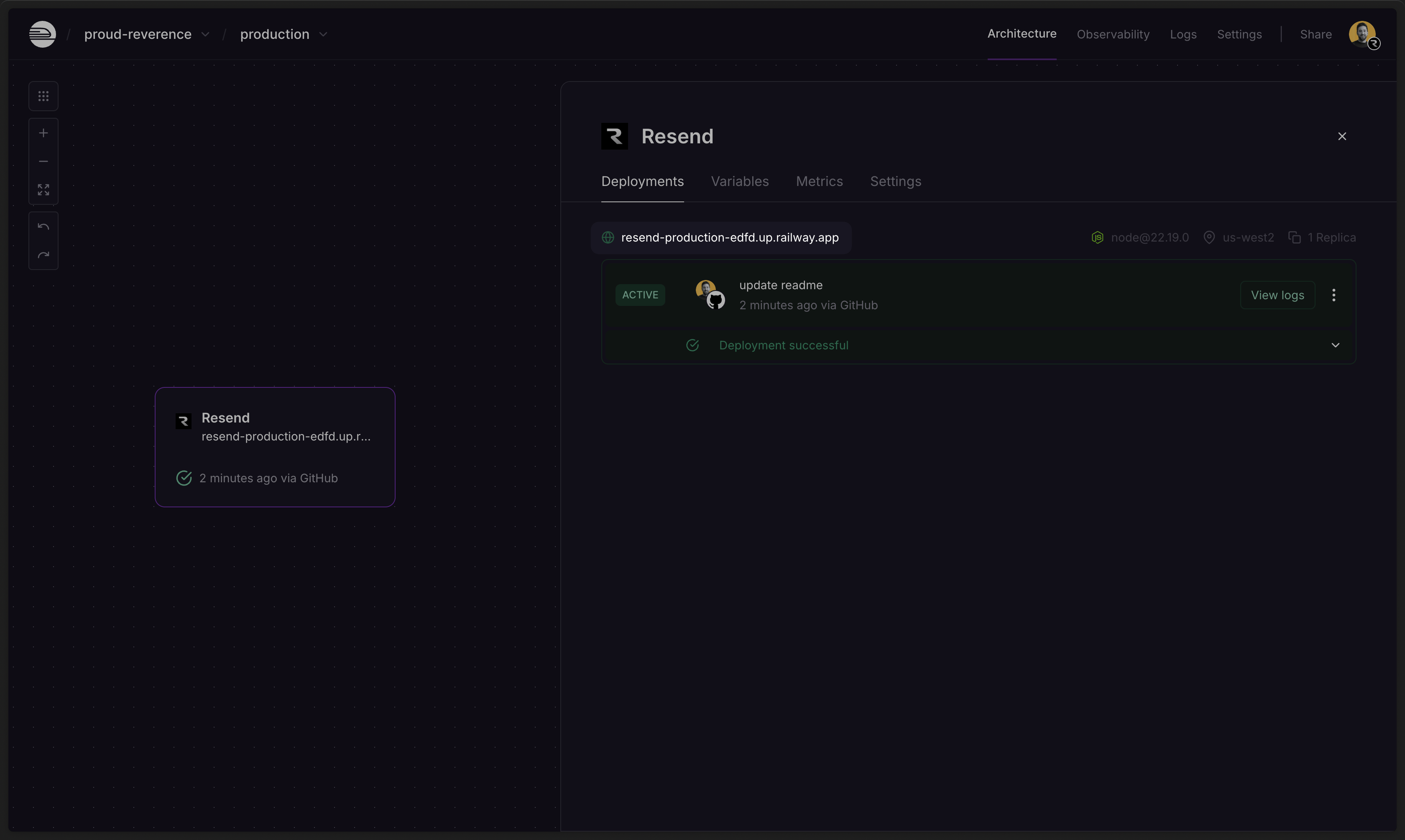
Once your deployment finishes, click the deploy URL to open the app and send your first email.
While this example uses the Resend Node.js SDK, you can add Resend using any of our Official SDKs that Railway supports.
You can also set up the project locally and make changes to the projectusing the Railway CLI.
Examples
Section titled “Examples”Railway Template
See the full source code.