Deliverability Insights
When you view your email within Resend, there is a "Insights" option. When selected, this will run deliverability best practice checks on your email and recommend possible changes to improve deliverability.
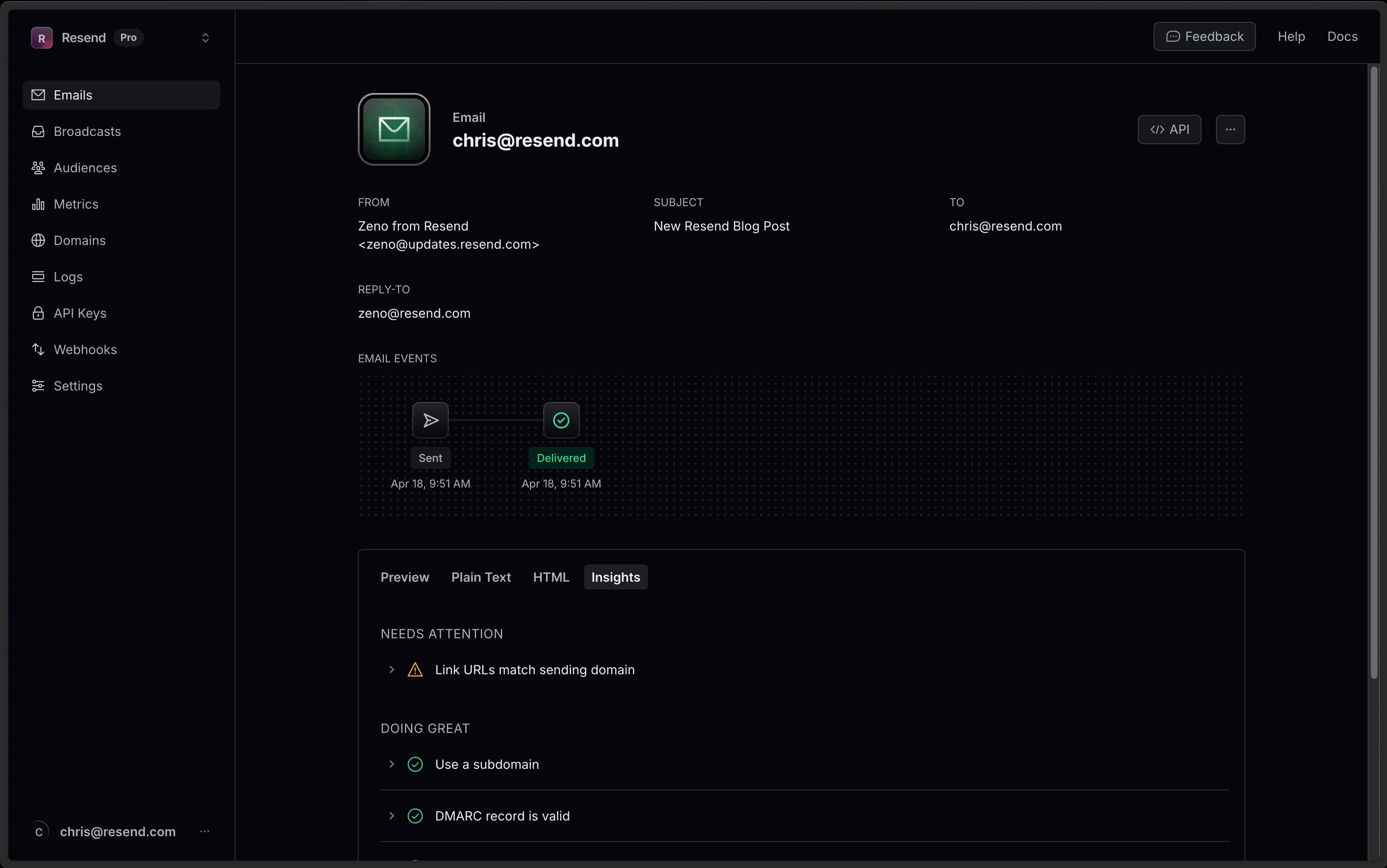
If a check passes, you'll get a nice green check. If a check fails, you'll get advice broken into two categories: Attention and Improvements.
Attention Insights
Section titled “Attention Insights”Changes to your email that can improve deliverability.
Ensure link URLs match sending domain
Section titled “Ensure link URLs match sending domain”Ensure that the URLs in your email match the sending domain. Mismatched URLs can trigger spam filters.
For example, if your sending domain is @widgets.com, ensure links within the message point back to https://widgets.com.
Include valid DMARC record
Section titled “Include valid DMARC record”DMARC is a TXT record published in the DNS that specifies how email receivers should handle messages from your domain that don't pass SPF or DKIM validation. A valid DMARC record can help improve email deliverability.
Gmail and Yahoo have required bulk senders to have a DMARC record published since 2024. When viewing your domain in Resend, you'll see a suggested DMARC record if you’re unsure what to publish.
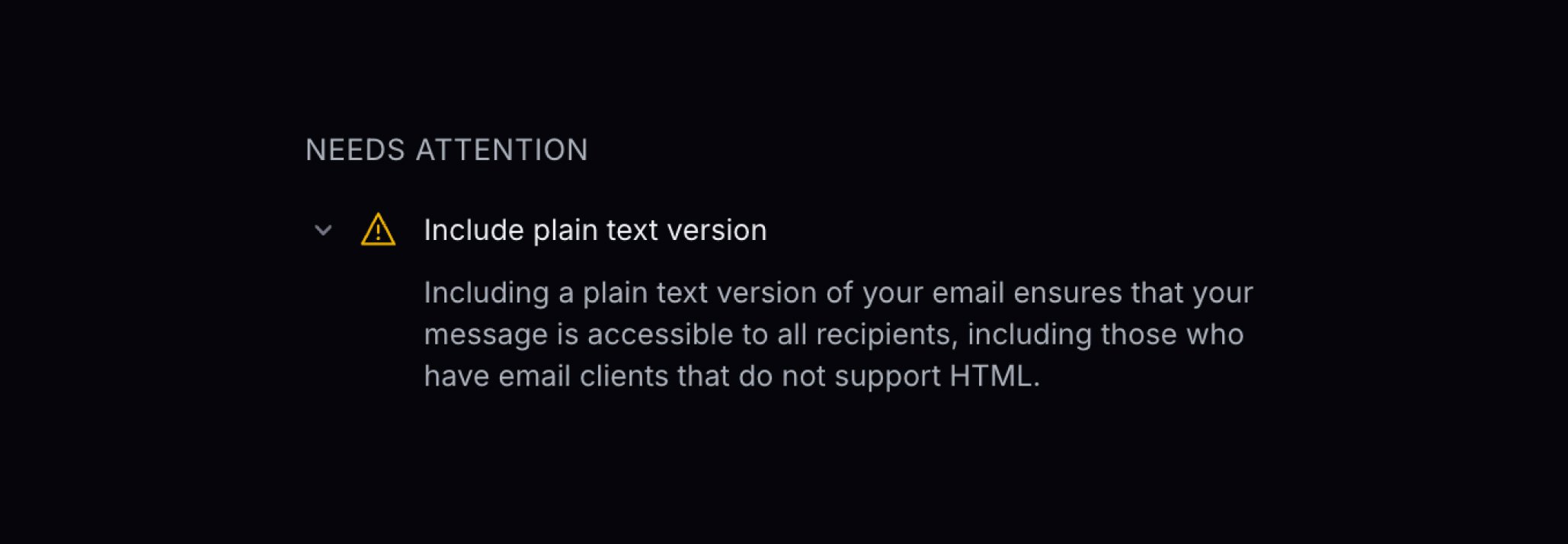
Include Plain Text Version
Section titled “Include Plain Text Version”Including a plain text version of your email ensures that your message is accessible to all recipients, including those who have email clients that do not support HTML.
If you're using Resend's API, plain text is passed via the text parameter.
This can also generate plain text using React Email.
Don't use "no-reply"
Section titled “Don't use "no-reply"”Indicating that this is a one-way communication decreases trust. Some email providers use engagement (email replies) when deciding how to filter your email. A valid email address allows you to communicate with your recipients if they have questions.
Keep email body size small
Section titled “Keep email body size small”Gmail limits the size of each email message to 102 KB. Once that limit is reached, the remaining content is clipped and hidden behind a link to view the entire message. Keep your email body size small to avoid this issue.
This check will show the current size of your email.
Use full YouTube URLs
Section titled “Use full YouTube URLs”Gmail's spam filters are flagging emails containing shortened YouTube links (youtu.be) as potential phishing attempts. Use full YouTube URLs instead (youtube.com/watch?v=...).
For example, instead of using https://youtu.be/abc123, use https://www.youtube.com/watch?v=abc123.
Improvement Insights
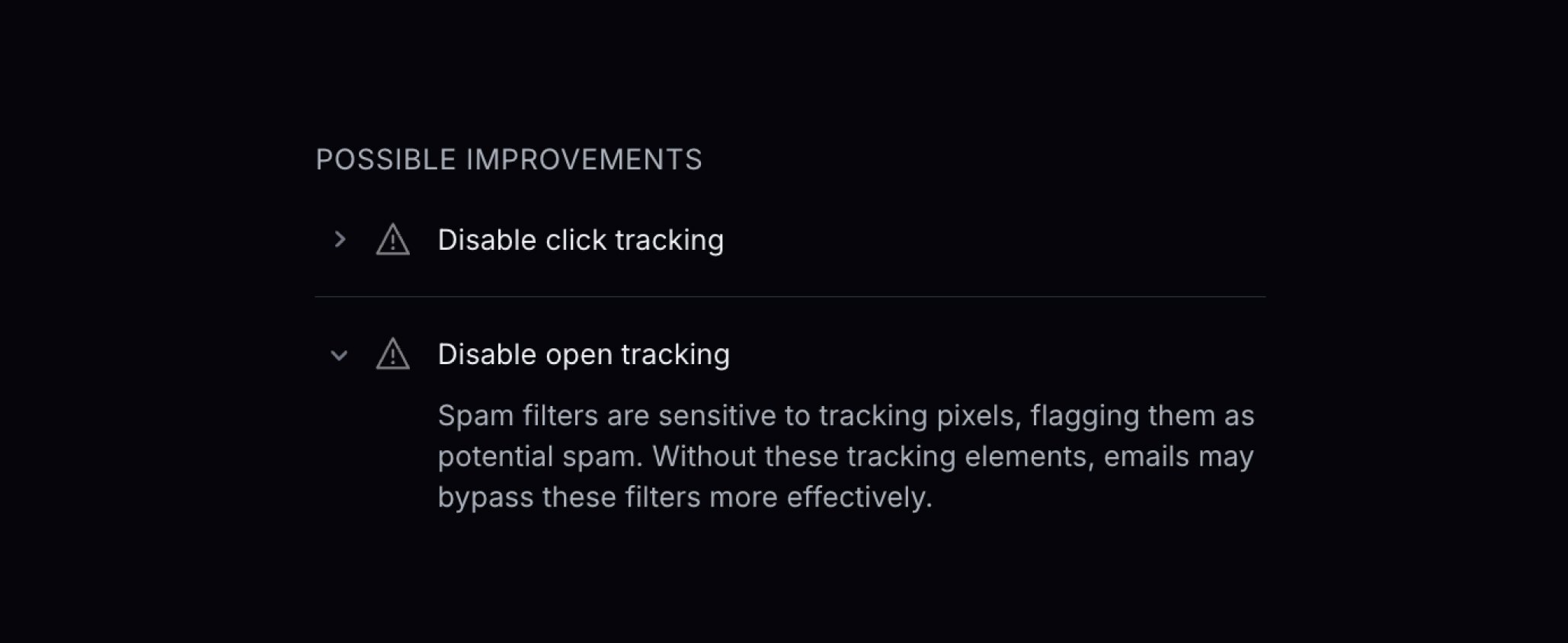
Section titled “Improvement Insights”If you're diagnosing a deliverability issue, changing your email practices may help.
Use a Subdomain
Section titled “Use a Subdomain”Using a subdomain instead of the root domain helps segment your sending by purpose. This protects different types of sending from impacting the reputation of others and clearly shows the sending purpose.
Use Custom Subdomain for Click Tracking
Section titled “Use Custom Subdomain for Click Tracking”You're using a shared tracking domain for click tracking. Shared tracking domains can hurt deliverability because spam filters may flag links rewritten through shared domains as suspicious. Configure a custom tracking subdomain to keep links on your own domain and improve deliverability.
Learn how to configure a custom tracking subdomain.
Use Custom Subdomain for Open Tracking
Section titled “Use Custom Subdomain for Open Tracking”You're using a shared tracking domain for open tracking. Spam filters are sensitive to tracking pixels served from shared domains, and may flag them as potential spam. Configure a custom tracking subdomain to serve tracking pixels from your own domain and improve deliverability.
Learn how to configure a custom tracking subdomain.