Verify Webhooks Requests
Learn how to use the signing secret to verify your webhooks.
Webhook signing secrets are used to validate the payload data sent to your application from Resend. You can find the signing secret on the webhook details page.
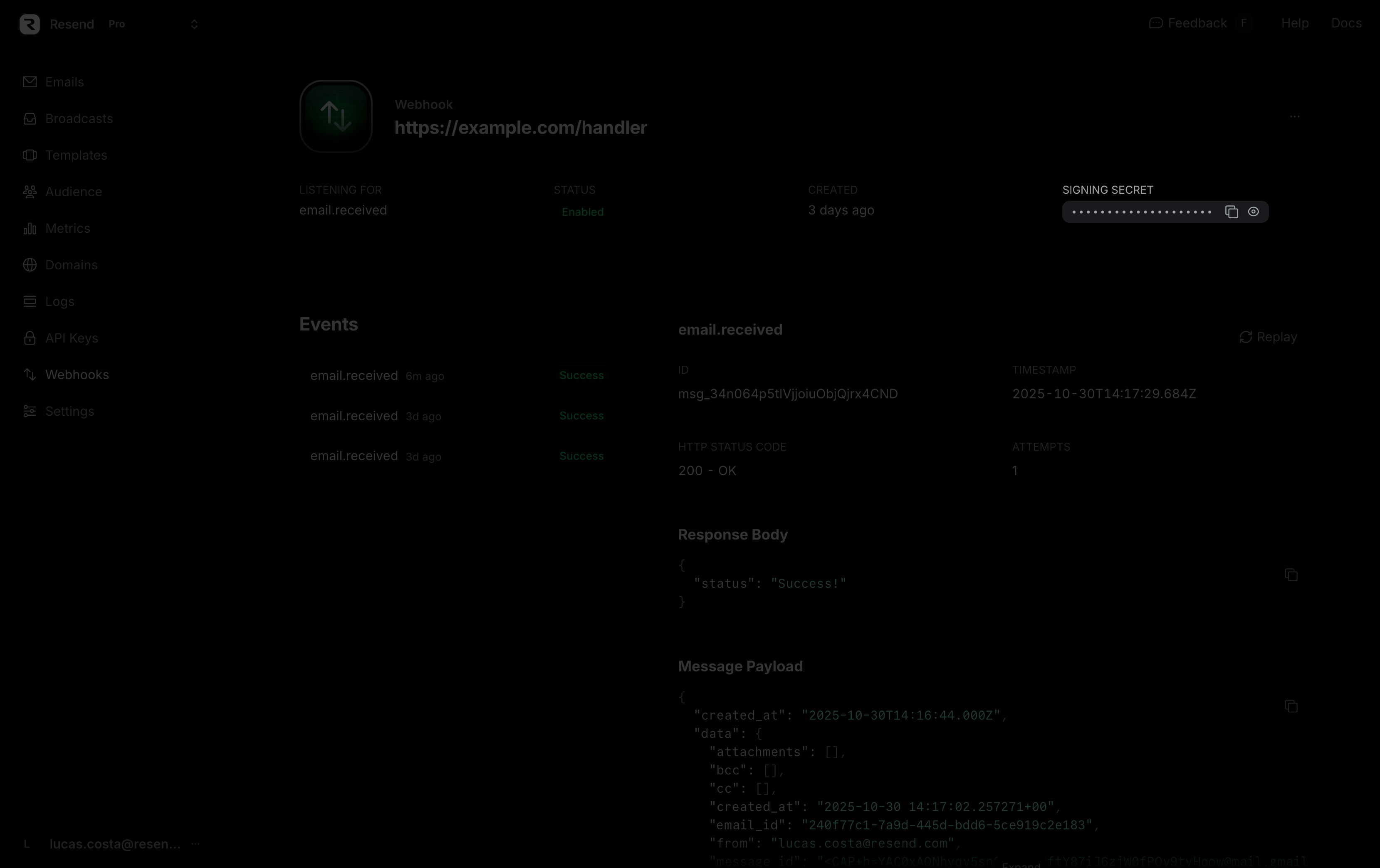
Calls to create, retrieve, or list webhooks will also return the signing secret in the response body.
How to verify webhook requests
Section titled “How to verify webhook requests”To verify the webhook request, you can use the Resend SDK, as in the example below.
export async function POST(req: NextRequest) {
  try {
    const payload = await req.text();

    // Throws an error if the webhook is invalid
    // Otherwise, returns the parsed payload object
    const result = resend.webhooks.verify({
      payload,
      headers: {
        id: req.headers['svix-id'],
        timestamp: req.headers['svix-timestamp'],
        signature: req.headers['svix-signature'],
      },
      webhookSecret: process.env.RESEND_WEBHOOK_SECRET,
    });

    // Handle the result after validating it
  } catch {
    return new NextResponse('Invalid webhook', { status: 400 });
  }
}
Alternatively, you can manually use the Svix libraries and manually pass it the headers, body, and webhook secret. Learn more and view all supported languages here.
To verify manually, start by installing the Svix libaries.
npm install svixyarn add svixpnpm add svixbun add svixThen, verify the webhooks using the code below. The payload is the raw (string) body of the request, and the headers are the headers passed in the request.
import { Webhook } from 'svix';

const secret = process.env.WEBHOOK_SECRET;

// These were all sent from the server
const headers = {
  'svix-id': 'msg_p5jXN8AQM9LWM0D4loKWxJek',
  'svix-timestamp': '1614265330',
  'svix-signature': 'v1,g0hM9SsE+OTPJTGt/tmIKtSyZlE3uFJELVlNIOLJ1OE=',
};
const payload = '{"test": 2432232314}';

const wh = new Webhook(secret);
// Throws on error, returns the verified content on success
wh.verify(payload, headers);
If you prefer, you can also manually verify the headers as well.
Why verify webhooks
Section titled “Why verify webhooks”Webhooks are vulnerable because attackers can send fake HTTP POST requests to endpoints, pretending to be legitimate services. This can lead to security risks or operational issues.
To mitigate this, each webhook and its metadata are signed with a unique key specific to the endpoint. This signature helps verify the source of the webhook, allowing only authenticated webhooks to be processed.
Another security concern is replay attacks, where intercepted valid payloads, complete with their signatures, are resent to endpoints. These payloads would pass the signature verification and be executed, posing a potential security threat.
API Reference
Section titled “API Reference”For complete API documentation, see the Webhooks API reference.