Send emails using WordPress with SMTP
Prerequisites
Section titled “Prerequisites”Before you start, you'll need:
- A Resend API key
- A verified domain
Install a plugin
First, you'll need to install and activate the WP Mail SMTP plugin. Once the plugin is activated you will see the setup wizard. You can skip this step as we'll guide you through how to configure the plugin for Resend. Click on Go to the Dashboard at the bottom of the screen to exit the setup wizard.
Configuration
From your admin dashboard, visit the WP Mail SMTP > Settings page to configure the plugin. Firstly, configure your From Email, From Name, and Return Path. Next, we'll configure the SMTP settings for Resend. Select Other SMTP in the Mailer section.
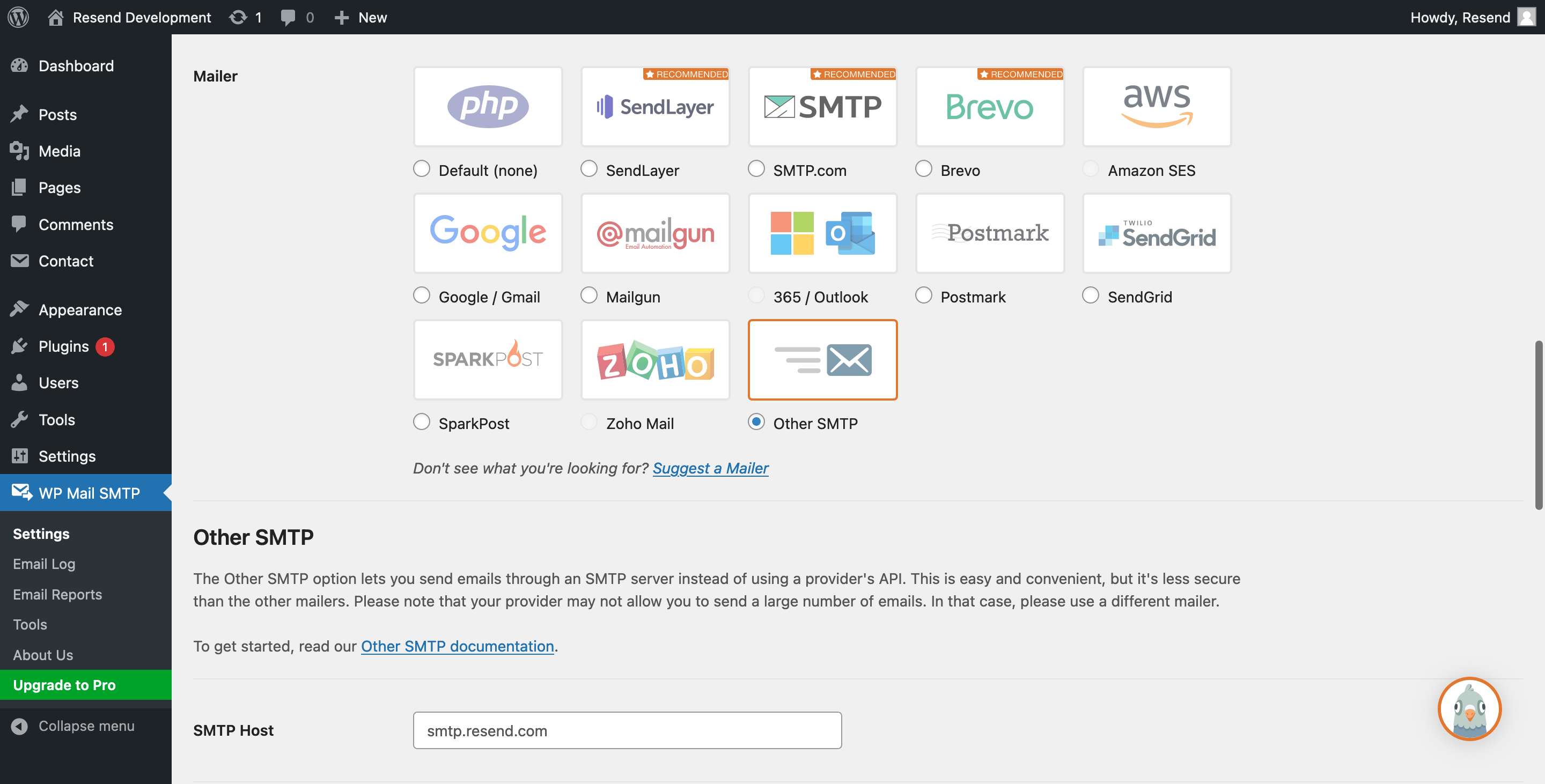
In the Other SMTP section, configure the following settings:
- SMTP Host:
smtp.resend.com - Encryption:
SSL - SMTP Port:
465 - Auto TLS:
ON - Authentication:
ON - SMTP Username:
resend - SMTP Password:
YOUR_API_KEY
Make sure to replace
YOUR_API_KEYwith an existing key or create a new API Key.- SMTP Host:
Sending a test email
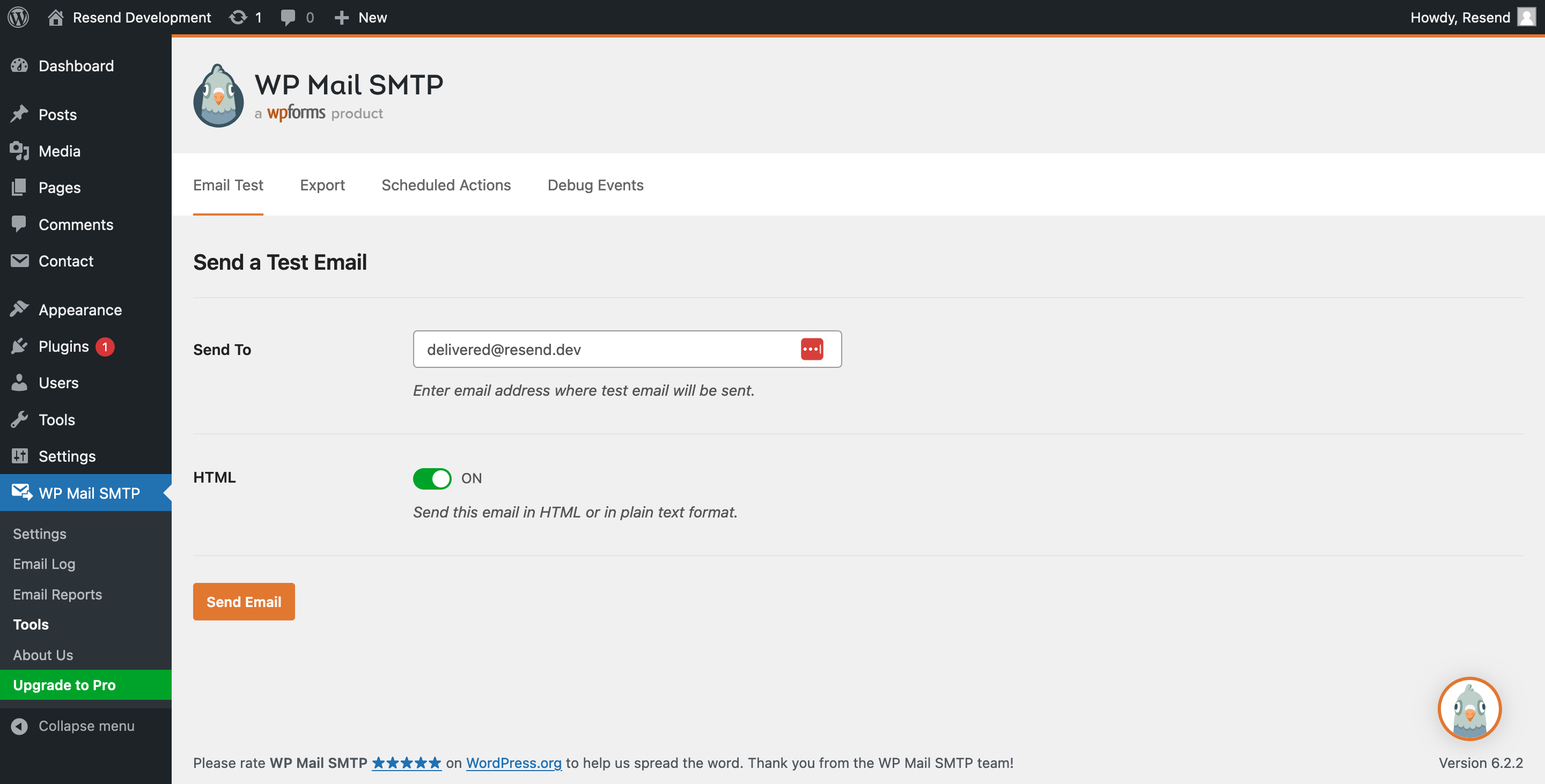
From your admin dashboard, visit the WP Mail SMTP > Tools page to send a test email.