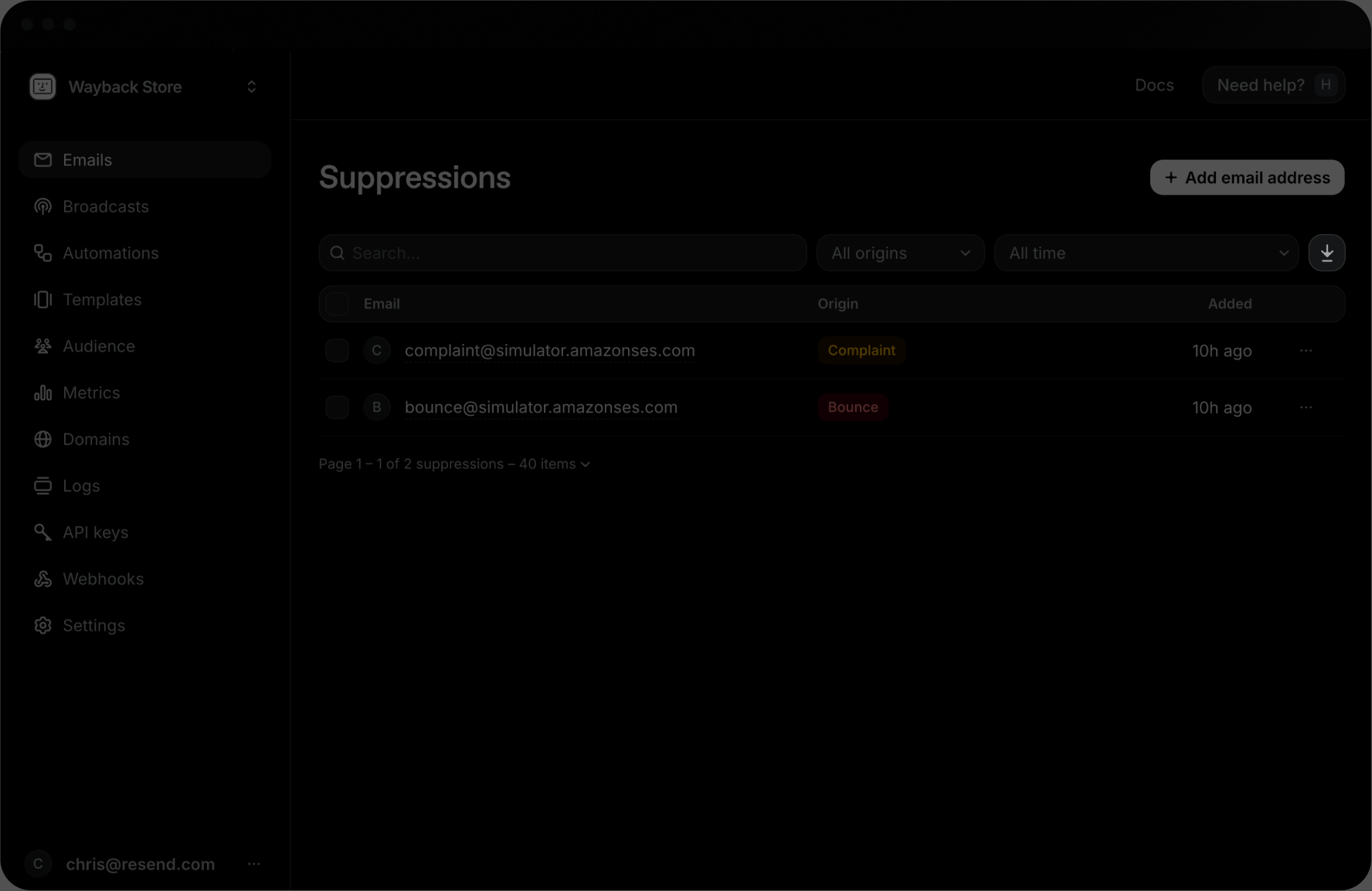
Email Suppressions
When a mailbox provider hard-bounces a recipient, or someone marks your email as spam, continuing to send to that address harms your reputation.
Your suppressions list protects you by intentionally skipping sending to any addresses on your list.
How addresses are suppressed
Section titled “How addresses are suppressed”An address is added to Suppressions for one of three origins:
bounce: the recipient's mail server permanently rejected the email.complaint: the recipient marked your email as spam.manual: you add the recipient's address yourself.
Suppressions apply to your entire team. Any address added to the suppression list will be skipped across all your domains and subdomains when sending transactional or Broadcast emails.
Viewing Suppressions in Resend
Section titled “Viewing Suppressions in Resend”You can see all Suppressions in the Dashboard or list them in the API.
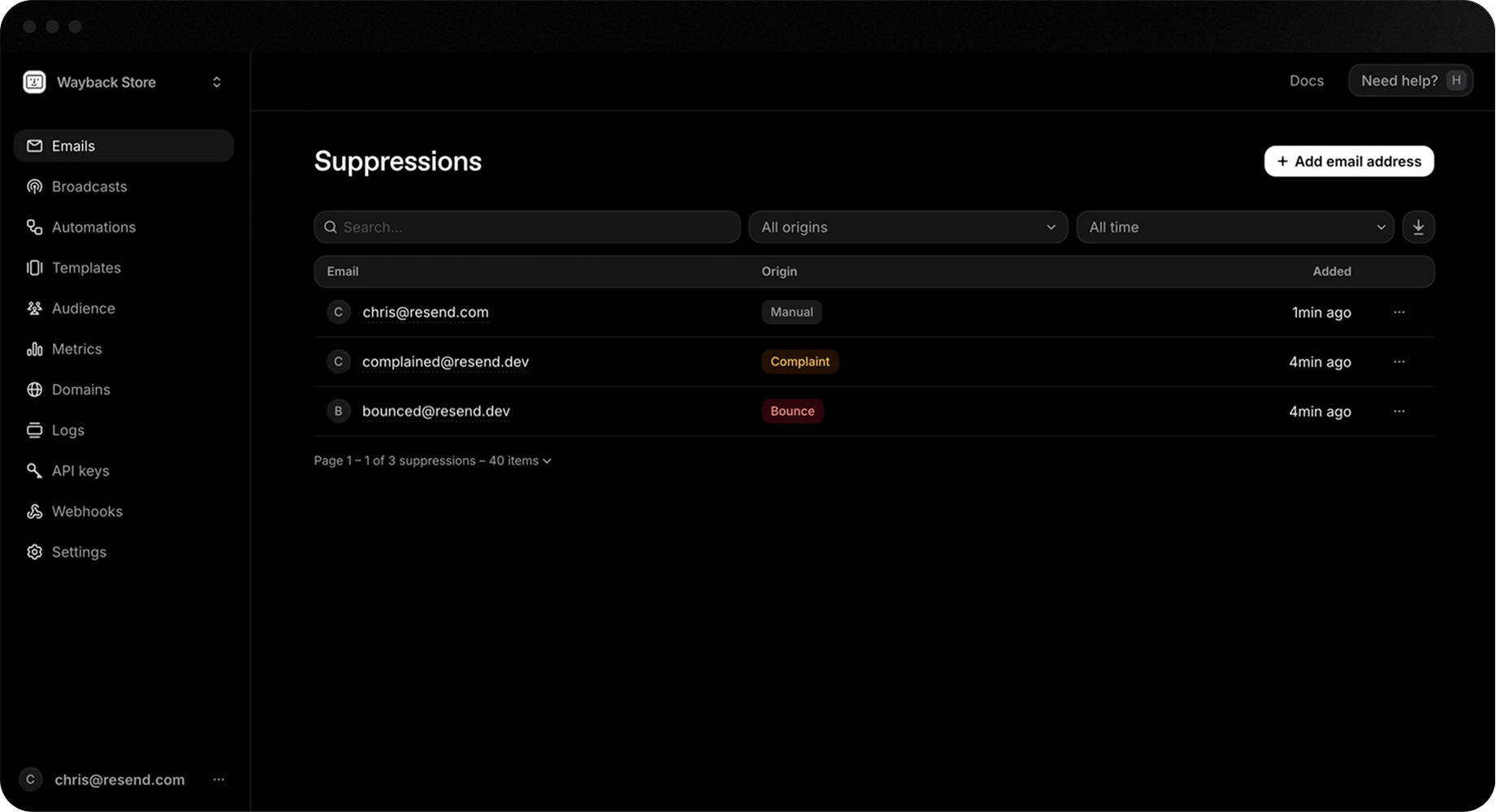
You can also programmatically retrieve a single Suppression or your entire suppression list, which returns key data about the Suppression.
{
  "object": "suppression",
  "id": "e169aa45-1ecf-4183-9955-b1499d5701d3",
  "email": "steve.wozniak@example.com",
  "origin": "bounce",
  "source_id": "4ef9a417-02e9-4d39-ad75-9611e0fcc33c",
  "created_at": "2026-10-06 23:47:56.678+00"
}
source_id references the email id that triggered the suppression (is null for manual origin suppressions).
Add emails to the Suppression List
Section titled “Add emails to the Suppression List”In the Dashboard, go to the Suppressions page and click + Add email address to add an email address to the suppression list.
- Add manually: enter the email address you want to suppress.
- Import CSV: upload a file with a list of email addresses to suppress.
You can also suppress individual emails or bulk suppress up to 100 at a time using the API.
Remove emails from the Suppression List
Section titled “Remove emails from the Suppression List”Before removing an email address from the suppression list, ensure the reason for suppression has been addressed, or it will be automatically re-suppressed.
You can remove an email address from the suppression list in the Dashboard from the Suppressions page.
- Search or filter for a suppression.
- Click the more options button and select Remove email address.
You can also remove individual emails or bulk remove up to 100 at a time using the API.
Webhook suppression notifications
Section titled “Webhook suppression notifications”For maximum visibility, track suppressions using webhook notifications.
- suppression.added: triggered when an address is added.
- suppression.removed: triggered when an address is removed.
You can, for example, use these webhook notifications to sync your suppressions with your own database or third-party service.
Export your Suppressions
Section titled “Export your Suppressions”You can export your suppressions as a CSV file from the Suppressions page. Click the Download CSV button to export your suppressions.